

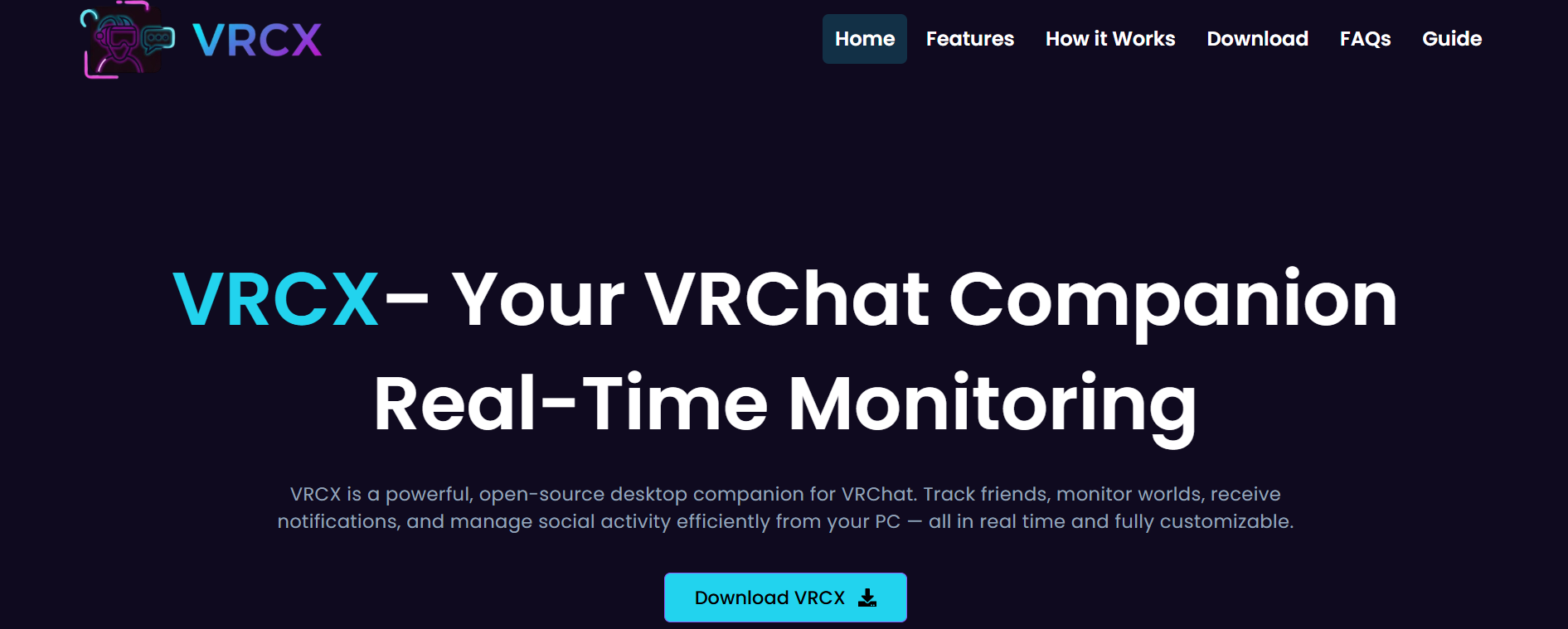
Virtual reality has become one of the fastest-growing areas in gaming and online social interaction. Among the many tools available for VR users, VRCX has gained popularity because it improves the overall experience of using VRChat. Many users who are interested in installing this application often ask an important question: is VRCX compatible with Windows and Mac? Understanding the compatibility of this software is essential before downloading and using it.
VRCX is a companion application designed for VRChat users. It provides additional features that are not available directly inside VRChat. The software helps users manage friends, monitor sessions, track worlds, and enjoy a more organized VRChat experience. Because of these useful features, many VR enthusiasts want to know whether the application can work smoothly on different operating systems.
Understanding What VRCX Is
VRCX is not a standalone virtual reality platform. Instead, it works alongside VRChat to provide users with enhanced functionality. The application allows people to view detailed information about their VRChat activities and social interactions. Many players use it to improve communication and stay connected with their friends in VRChat communities.
The software is especially useful for users who spend long hours in VRChat and want better management tools. It offers features such as friend notifications, world tracking, and detailed user information. These features make the VRChat experience more enjoyable and organized.
Since operating systems differ in their architecture and support for applications, compatibility becomes a major concern. Users on Windows and Mac systems often want to know if they can run VRCX without facing technical issues.
VRCX Compatibility With Windows
Windows is currently the primary operating system supported by VRCX. The software was mainly developed with Windows users in mind, which means it works efficiently on most modern Windows computers. Users who have Windows 10 or Windows 11 generally experience smooth performance when installing and running the application.
One reason VRCX performs well on Windows is that VRChat itself has strong support for the Windows platform. Since both programs are designed to work together, compatibility issues are minimal. Most users can install the application without needing complicated configurations or third-party tools.
Windows users also benefit from regular software updates and community support. Because the majority of VRChat users operate on Windows systems, developers tend to focus their attention on improving compatibility and fixing Windows-related bugs first. This makes Windows the most reliable environment for using VRCX.
Another advantage is hardware support. Many VR headsets and accessories are optimized for Windows computers. This allows VRCX to integrate smoothly with the overall VR ecosystem. Gamers who use devices such as Oculus, HTC Vive, or Valve Index often rely on Windows for the best experience.
System Requirements for Windows Users
Although VRCX works on Windows, users should still ensure their computers meet the necessary requirements. A stable internet connection is important because the application communicates with VRChat servers. Sufficient RAM and a modern processor also help the software run smoothly.
Most modern gaming computers can handle VRCX without difficulty. However, older systems may experience slower performance if multiple VR applications are running simultaneously. Keeping graphics drivers and Windows updates current can also improve stability and compatibility.
Another factor to consider is antivirus software. Sometimes security programs may mistakenly flag third-party applications. Users should only download VRCX from trusted sources to avoid security risks and installation problems.
Can VRCX Run on Mac?
Mac compatibility is a more complicated topic. Officially, VRCX does not have full native support for macOS. The application was primarily developed for Windows, which means Mac users may face limitations when trying to install or run it directly.
One major challenge is that VRChat itself has limited support for Mac systems. Since VRCX depends heavily on VRChat functionality, the lack of native macOS support affects the companion application as well. As a result, Mac users cannot always enjoy the same seamless experience available on Windows computers.
However, this does not necessarily mean Mac users are completely unable to use VRCX. Some people use alternative methods to run Windows applications on macOS. These methods may include virtualization software, compatibility layers, or dual-boot systems. While these solutions can sometimes work, they often require technical knowledge and may not provide perfect performance.
Using VRCX on Mac Through Alternative Methods
Some Mac users attempt to run VRCX by installing Windows on their devices through Boot Camp or virtual machine software. Boot Camp allows Intel-based Macs to run Windows as a secondary operating system. Once Windows is installed, users can download and use VRCX similarly to a standard Windows computer.
Virtual machine programs such as Parallels Desktop or VMware Fusion can also help run Windows applications on macOS. These tools create a virtual Windows environment inside the Mac operating system. While this method may work for basic tasks, VR-related software often demands high system performance, which can reduce efficiency in a virtual setup.
Apple Silicon Macs, including devices powered by M1 and M2 chips, present additional compatibility challenges. Since these systems use a different processor architecture, some Windows applications may not function correctly without special emulation software. This makes running VRCX on newer Macs even more difficult compared to older Intel-based models.
Performance Considerations for Mac Users
Even if Mac users successfully install VRCX through alternative methods, performance may vary significantly. Virtual reality applications typically require strong graphics processing and stable system resources. Running Windows software through emulation or virtualization can increase resource usage and reduce overall efficiency.
Some users may encounter issues such as lag, crashes, or incomplete functionality. Features that work perfectly on Windows might behave differently on macOS due to driver limitations or software incompatibilities. Therefore, Mac users should understand that the experience may not match the smooth performance seen on native Windows systems.
Internet connectivity and hardware specifications also play a role. Higher-end Macs with more RAM and better processors may perform better than entry-level models. However, even powerful Macs may still face limitations because the software was not originally designed for macOS.
Community Support and Future Possibilities
The VRCX community continues to grow, and many users regularly discuss compatibility improvements online. Some developers and enthusiasts experiment with ways to improve support for macOS systems. Although there is no guarantee of official Mac support in the near future, community interest could influence future development decisions.
Technology is constantly evolving, and cross-platform compatibility is becoming more important for software developers. If demand from Mac users continues to increase, developers may eventually explore broader operating system support. Until then, Windows remains the most practical and stable option for VRCX users.
For people who are serious about VRChat and VRCX, using a Windows-based system is generally the best choice. It provides easier installation, better performance, and stronger compatibility with VR hardware and related software.
Final Thoughts
When asking whether VRCX is compatible with Windows and Mac, the answer depends largely on the operating system being used. Windows offers full compatibility and the best overall experience. The software was built mainly for Windows users, making installation and performance much smoother.
Mac users, on the other hand, may face challenges because native support is limited. Although alternative methods like Boot Camp and virtualization software can sometimes make VRCX usable on macOS, these solutions are not always simple or reliable. Performance can vary depending on hardware and software configurations.
For the most stable and efficient experience, Windows remains the recommended platform for running VRCX. Users who rely heavily on VRChat features and companion tools will likely benefit more from a Windows environment than a Mac-based setup.